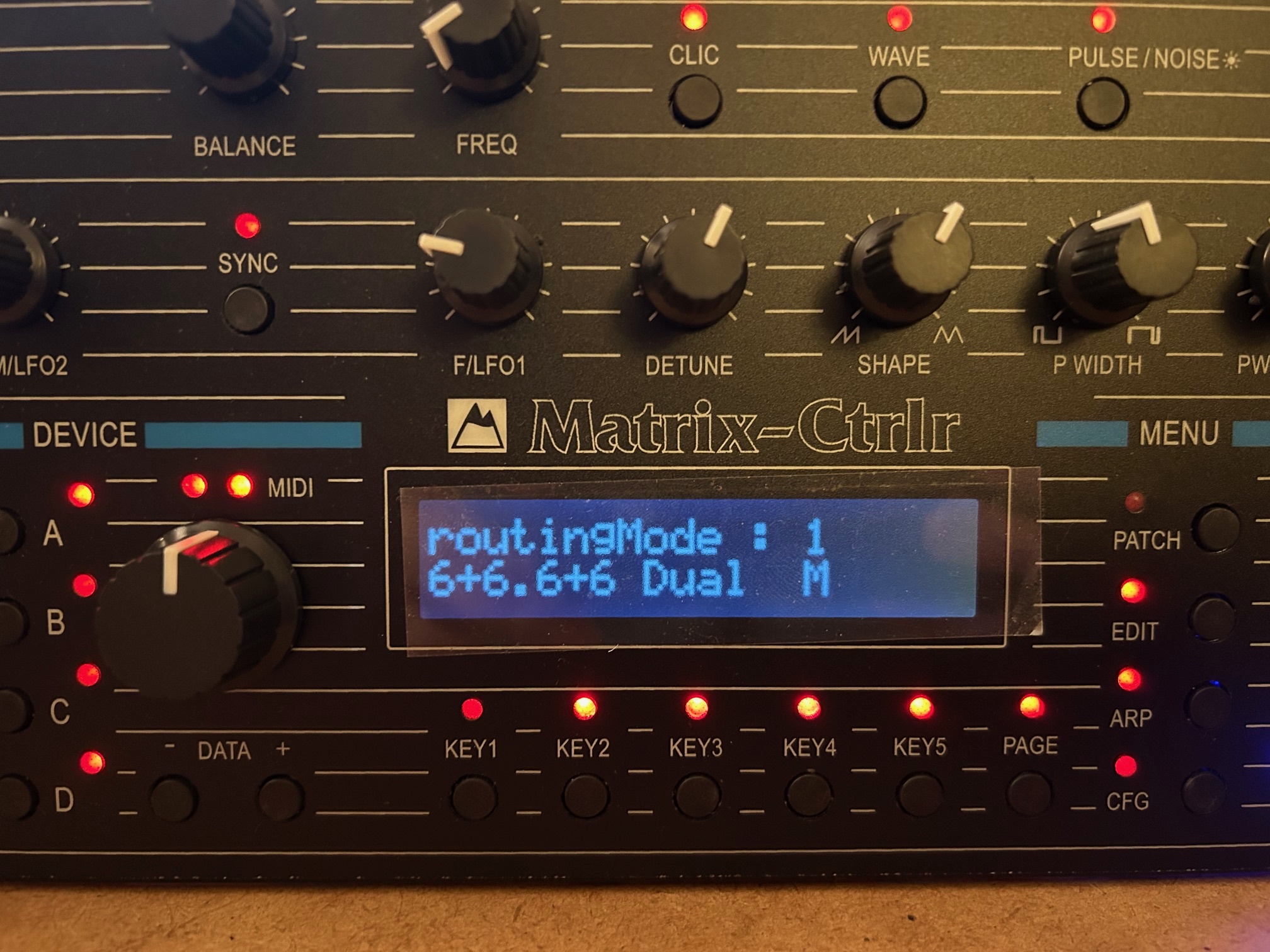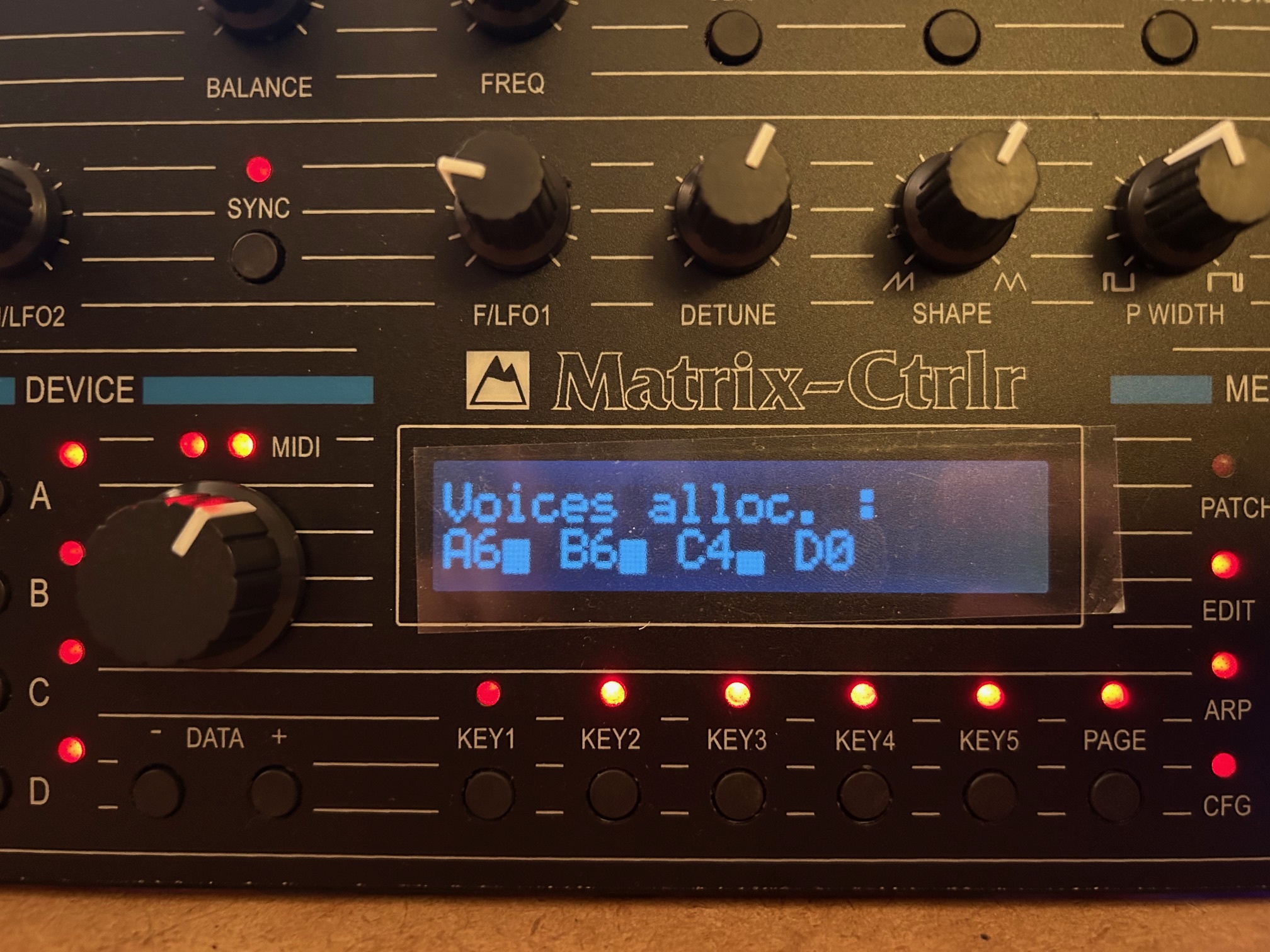
The EDIT menu is the companion of the live panel and is used to edit less relevant parameters of a tone and its name. Usually you set a fixed value into the EDIT mode while you tweak parameters value on the live panel.

Pressing EDIT shows the different sections available :
- KEY1 : DCO & LFO settings
- KEY2 : FILTER & VCA settings
- KEY3 : ENV1, ENV2, ENV3 settings
- KEY4 : KEYBOARD & PORTAMENTO settings
- KEY5 : MODULATION MATRIX settings
Use PAGE to cycle the different pages of a section and EDIT to return. Press a KEY to enter a section.
DCO & LFO section :
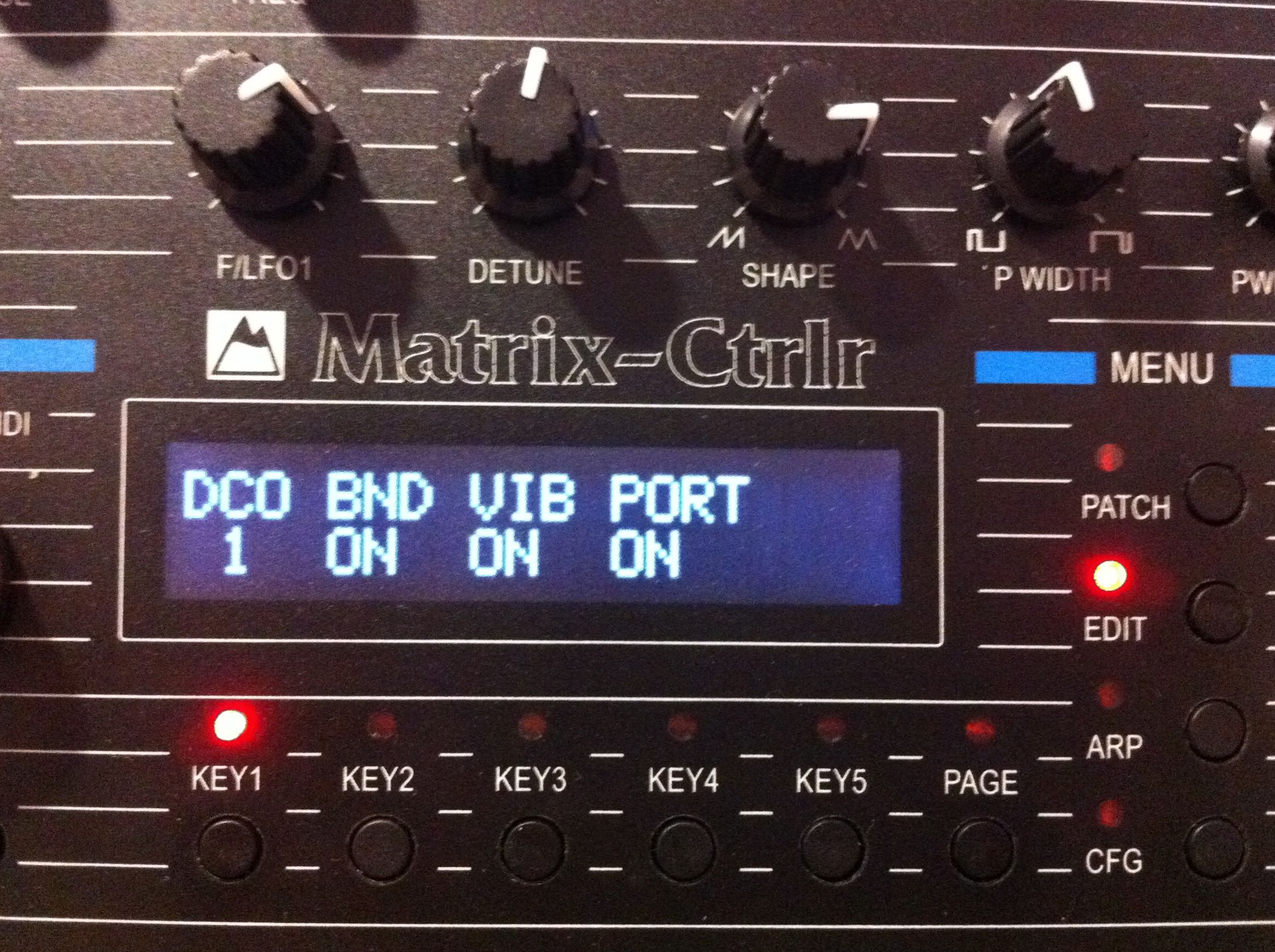
Page 1 : DCO 1/2 affected by pitch Bend, Vibrato or portamento
- KEY1 select DCO1 or DCO2,
- KEY2–KEY4 activate
Page 2 : LFO 1/2 affected by vibrato, bend, portamento
- KEY1 select LFO1 or LFO2,
- KEY2–KEY4 activate
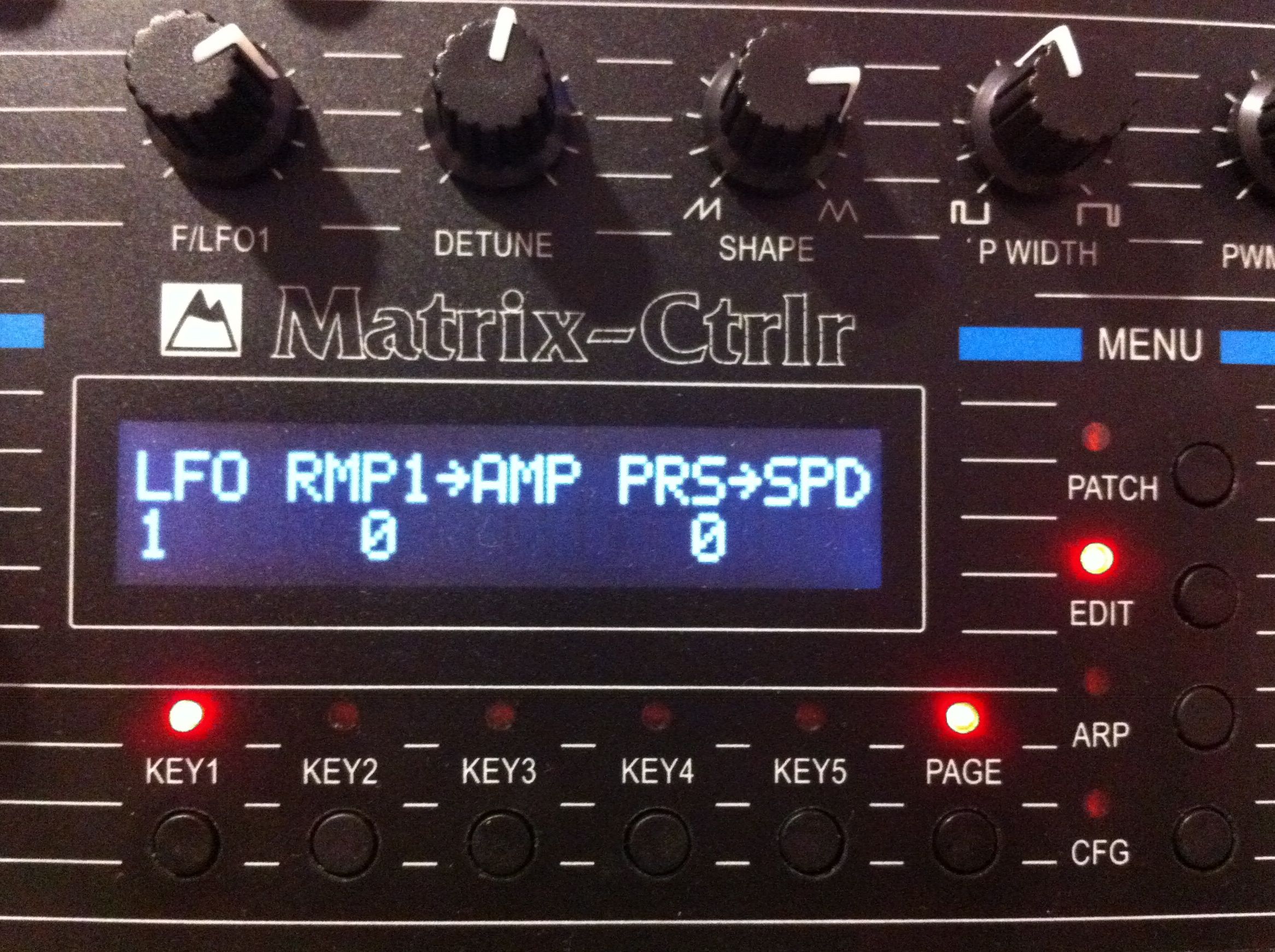
Page3 : LFO 1/2 modulation
- KEY1 select LFO1 or LFO2,
- KEY2 LFO AMPLITUDE modulation by RAMP1,
- KEY4 LFO SPEED modulation by Channel Aftertouch (PRESSURE)
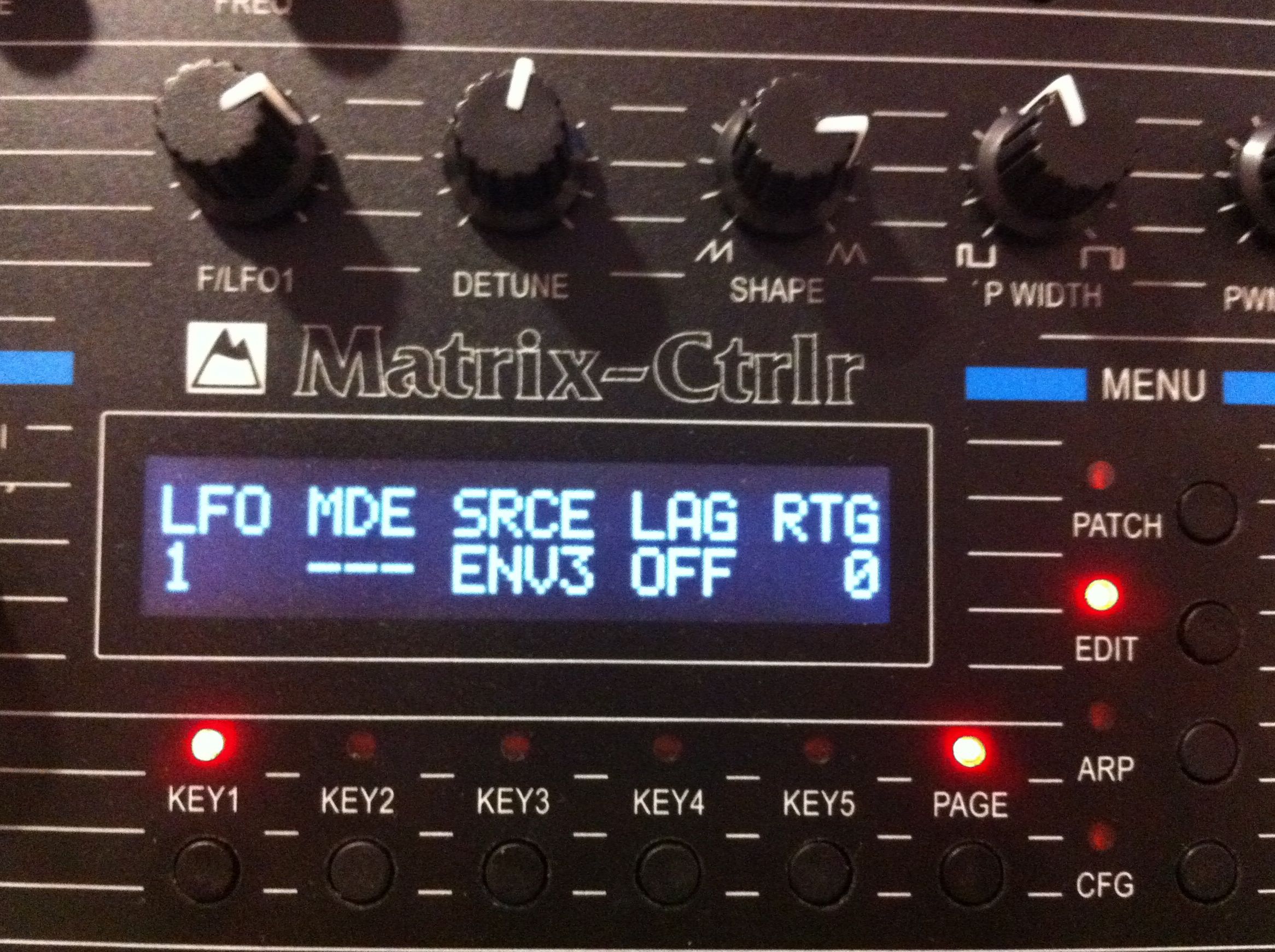
Page 4 : LFO parameters
- KEY1 : set LFO1 or LFO2
- KEY2 : LFO mode single, multiple, external or nothing
- KEY3 : source
- KEY4 : Lag
- KEY5 : retrigger
use the encoder to edit the value
FILTER & VCA section :
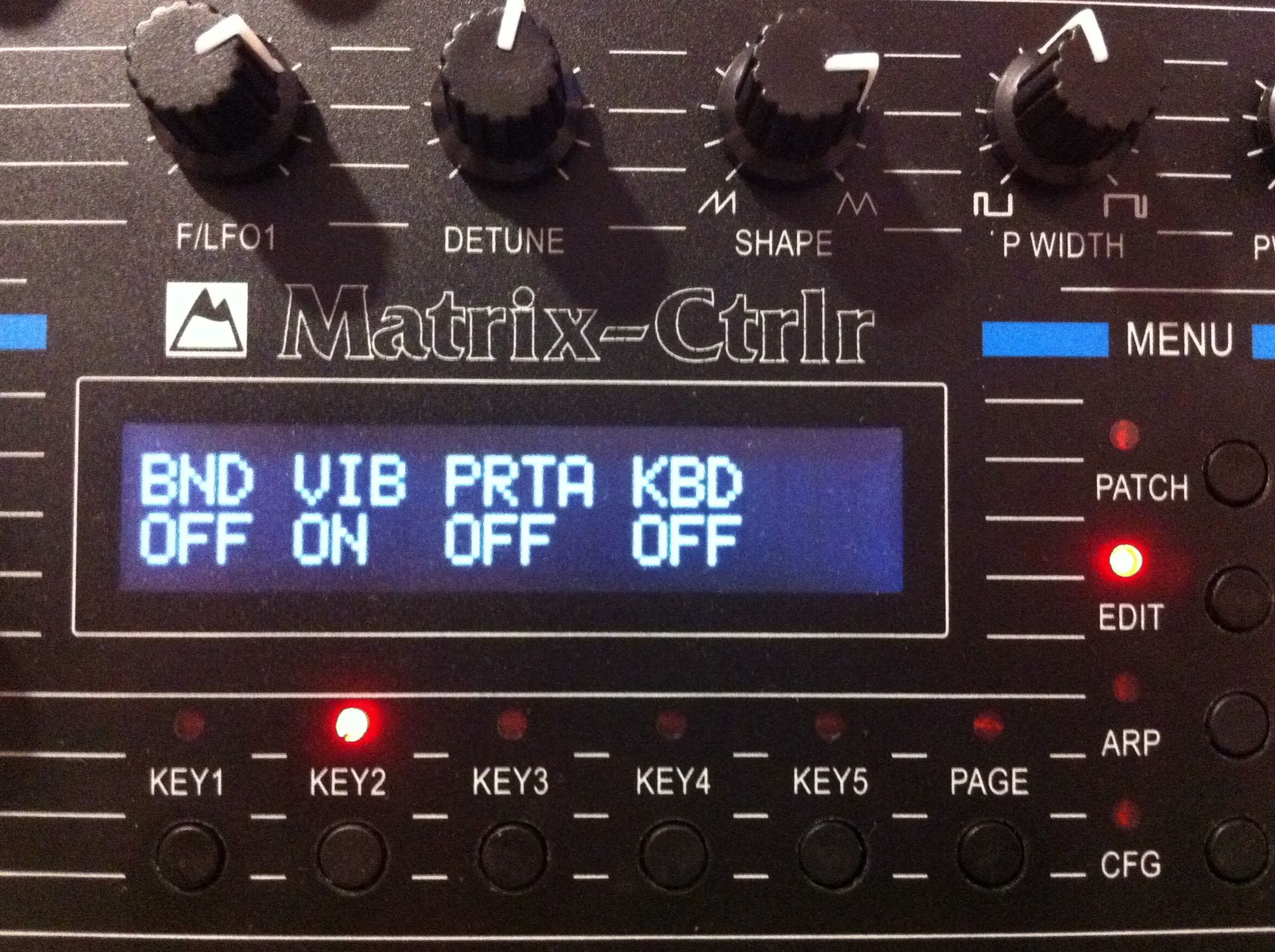
Page 1 : filter modulated by pitch Bend, Vibrato, portamento or keyboard velocity
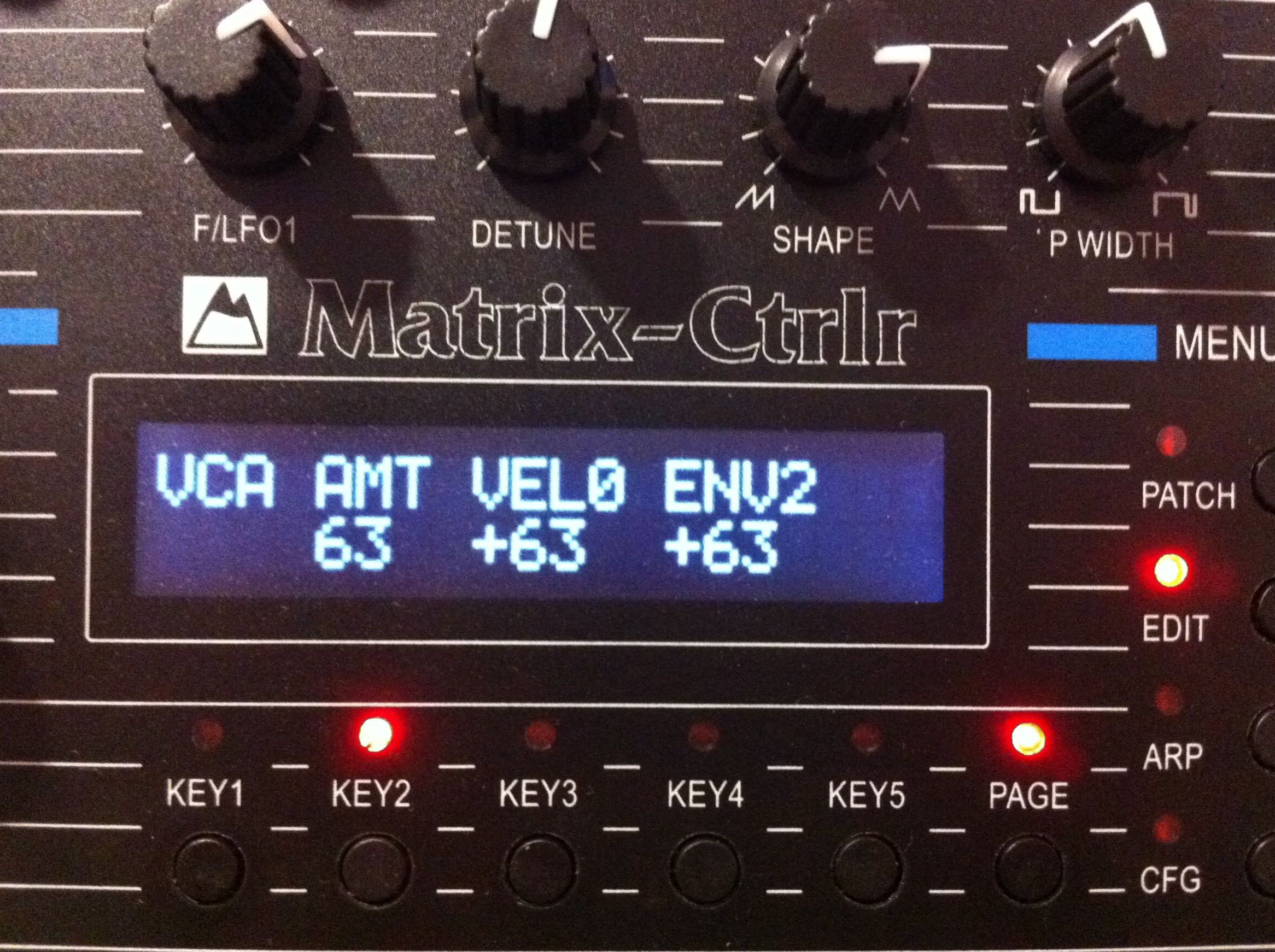
Page 2 : VCA parameters
- KEY2 : AMOUNT (VCA Level)
- KEY3 : VCA modulated by velocity
- KEY4 : VCA modulated by ENV2
use the encoder to set the value
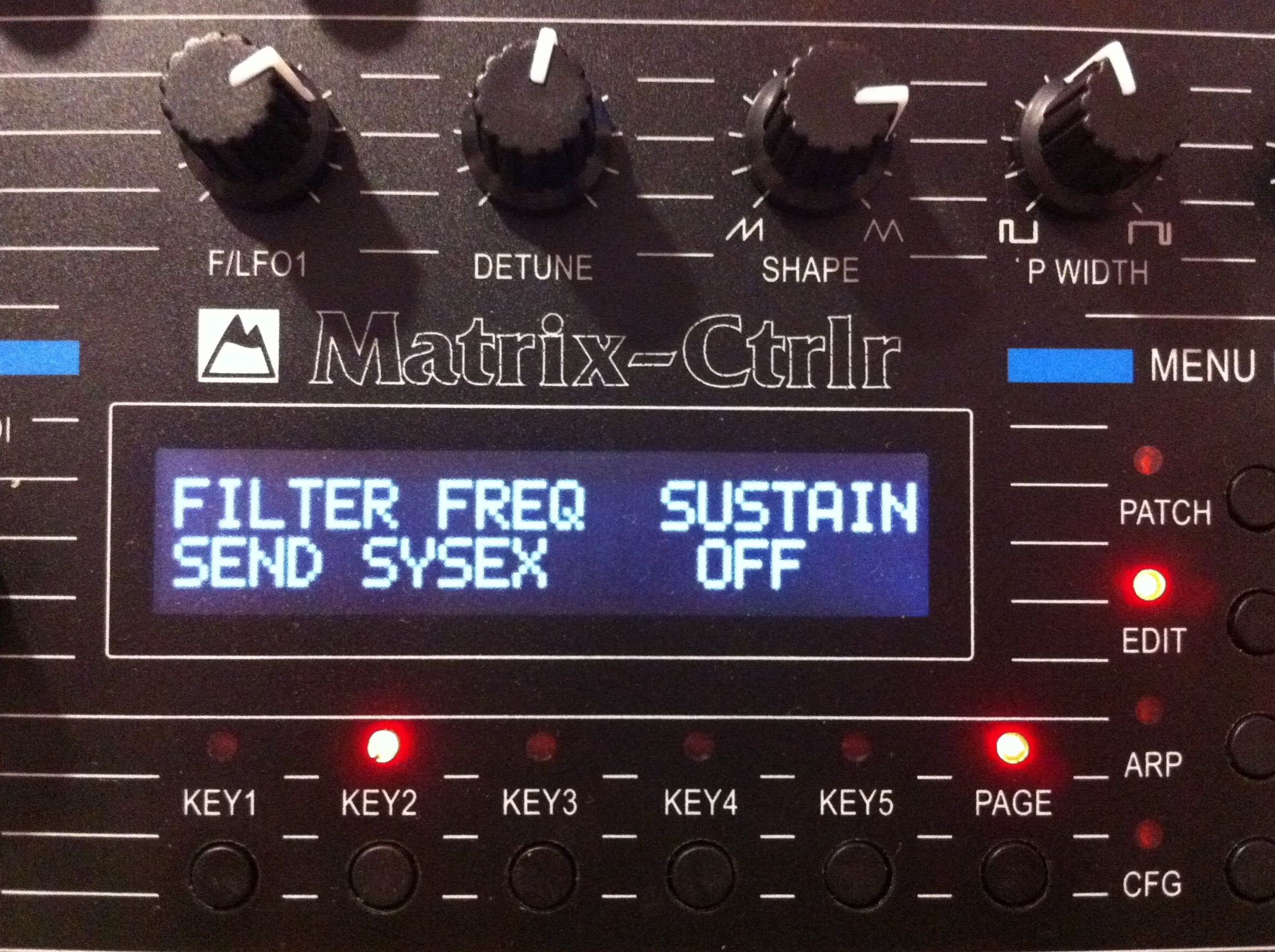
Page 3 : workaround for Oberheim defective parameters implementation
ENVELOPS section
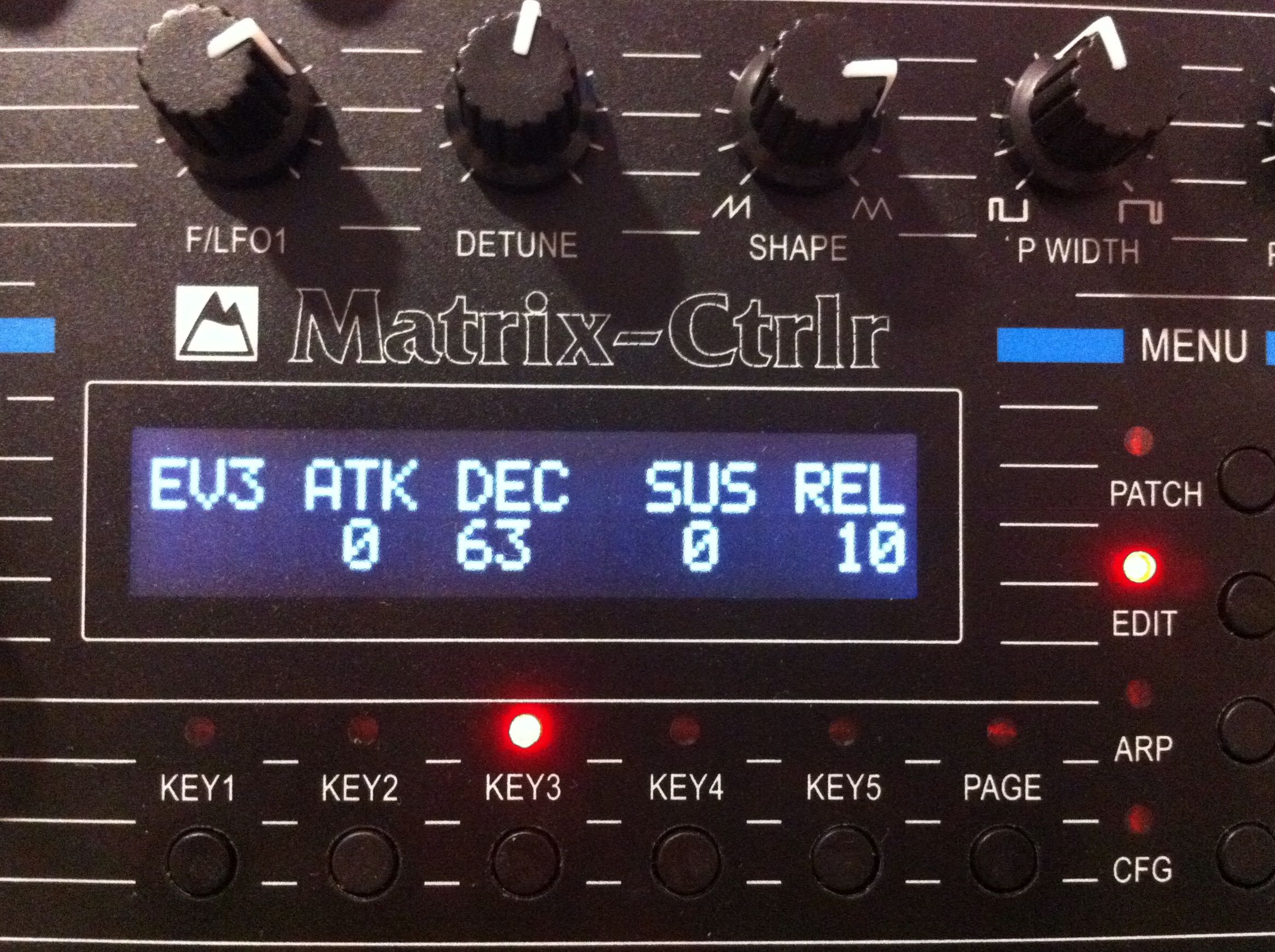
Page 1 : ENV3 main parameters
- KEY2 : ENV3 Attack
- KEY3 : ENV3 Decay
- KEY4 : : ENV3 Sustain
- KEY5 : ENV3 Release
use the encoder to set the values
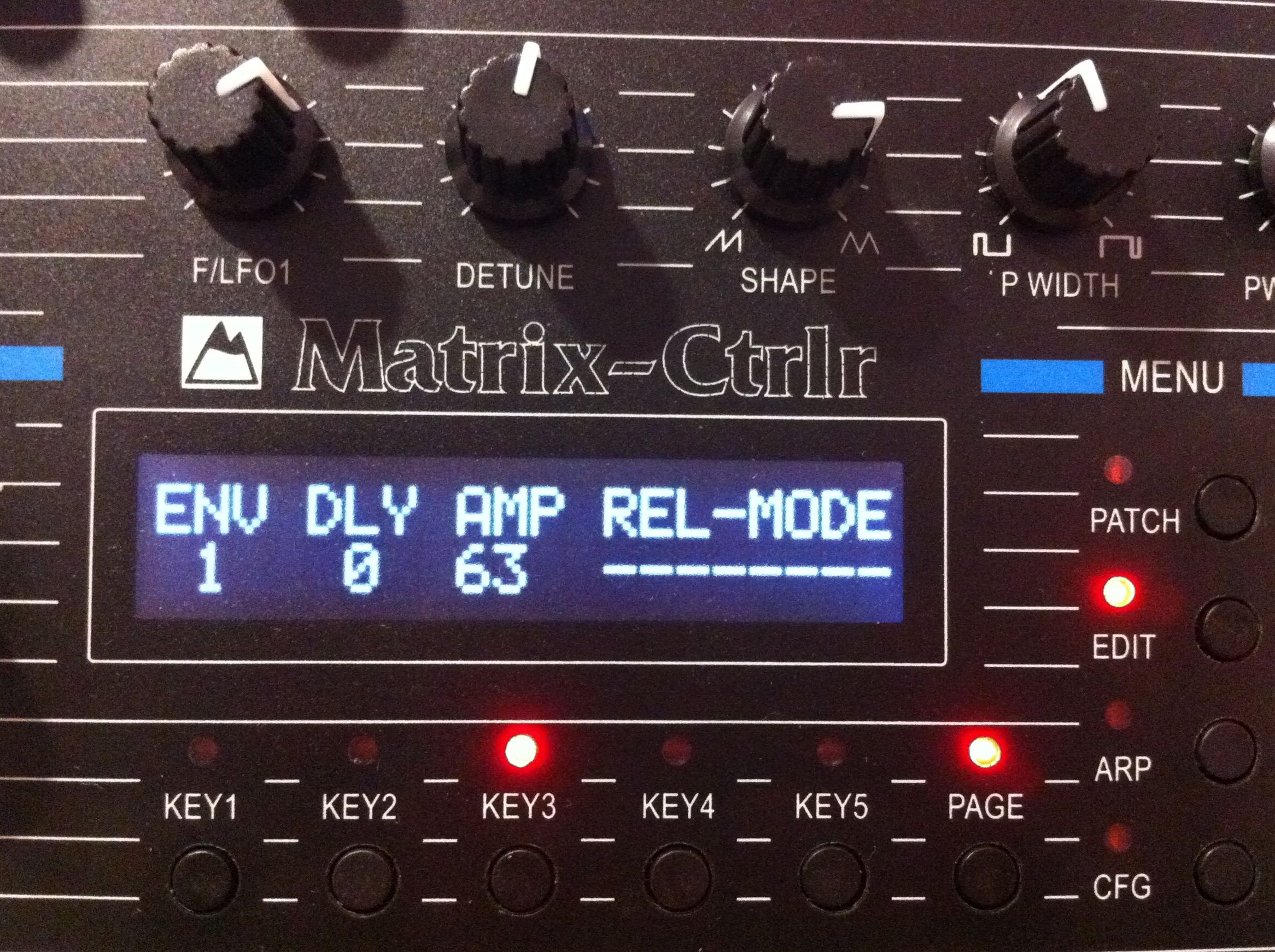
Page 2 : other ENV parameters
- KEY1 : select ENV1, 2 or 3
- KEY2 : selected ENV Dealy
- KEY3 : selected ENV Amplitude
- KEY4 : selected ENV Release mode (nothing, free run, DADR, both)
use encoder to set value
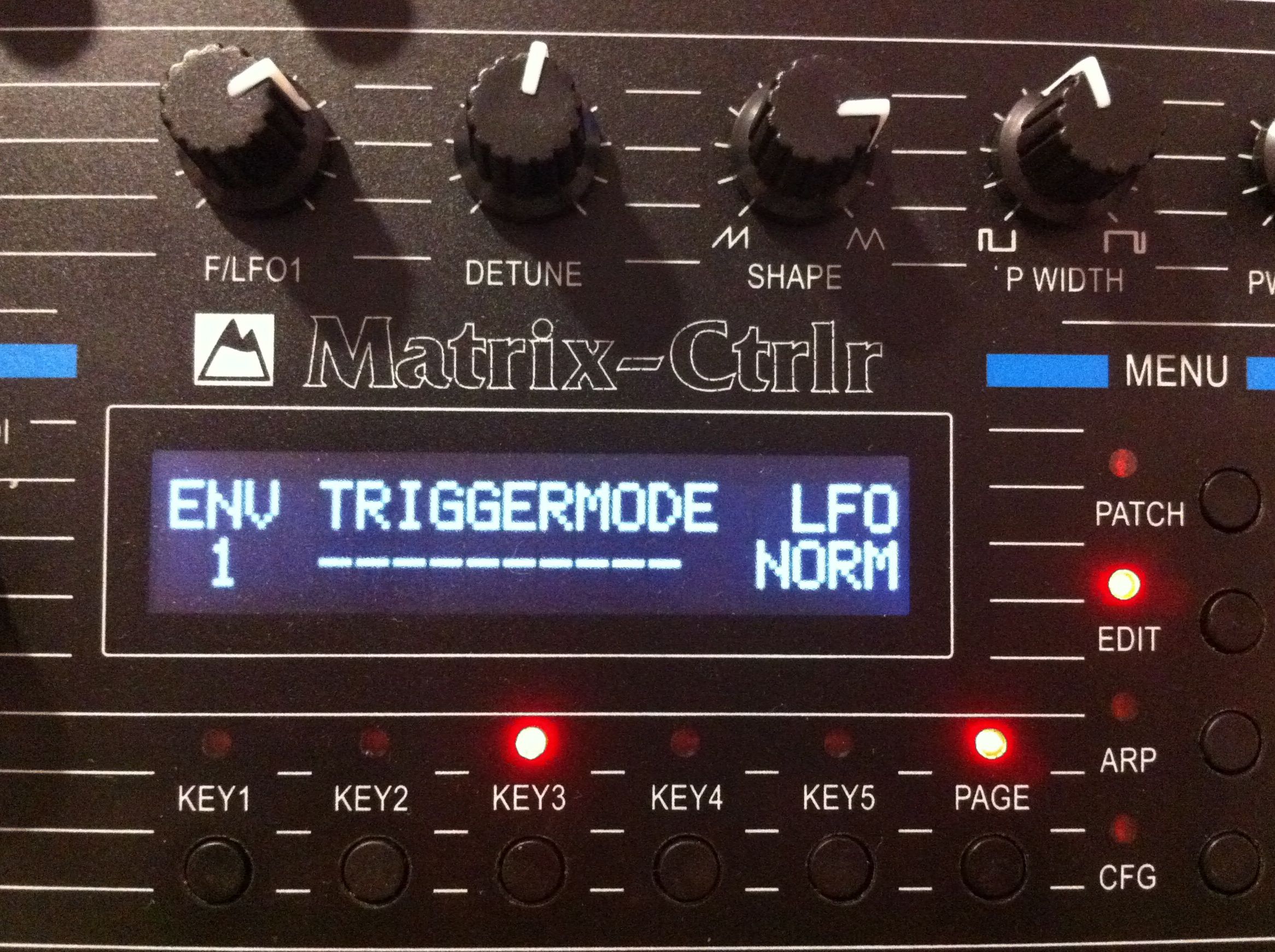
Page 3 : other ENV parameters
- KEY1 : select ENV
- KEY3 : ENV triggermode
- KEY5 : LFO
use encoder to set value
KEYBOARD & PORTAMENTO Modes
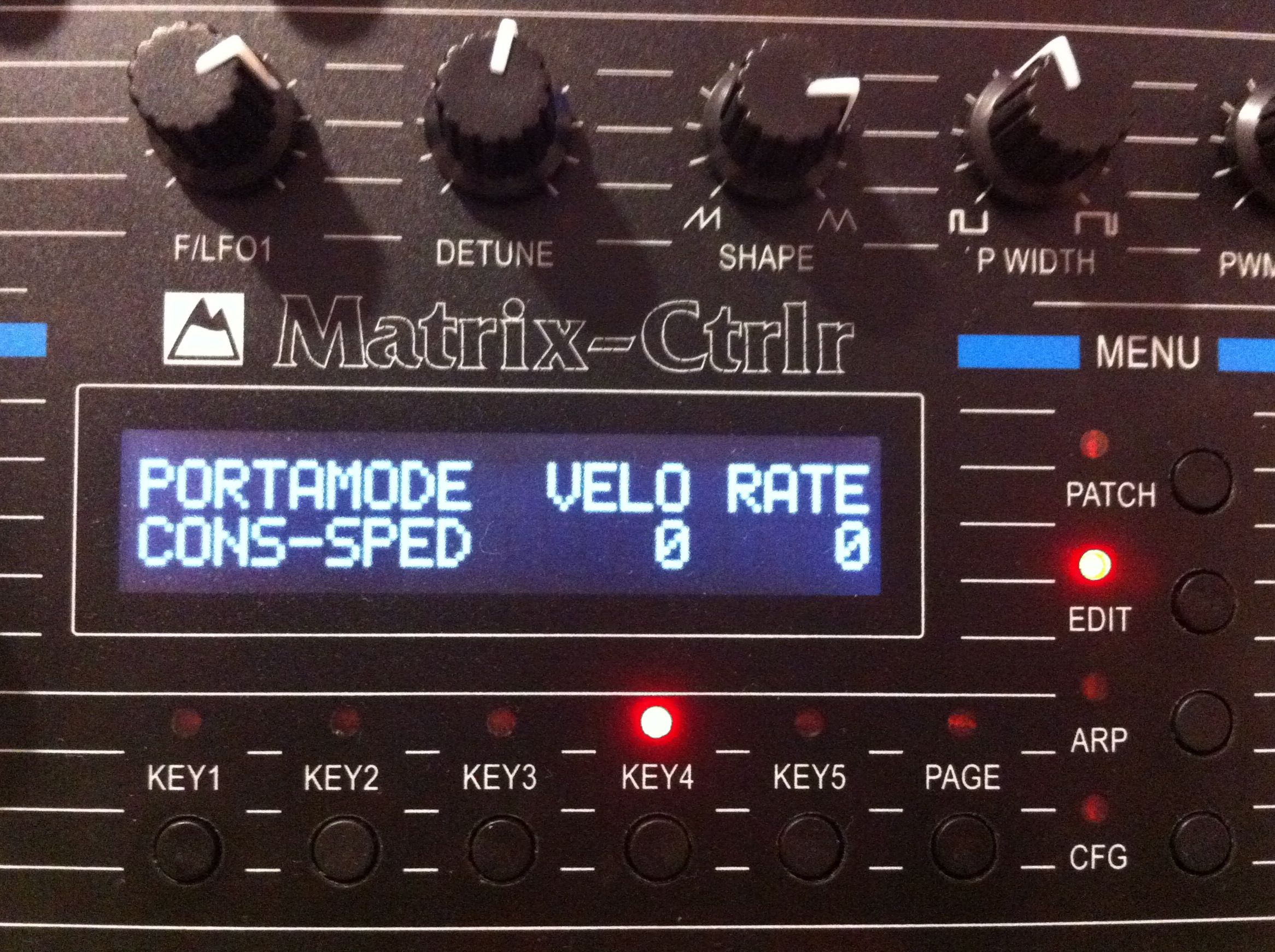
Page 1 : portamento
- KEY1 : portamento mode
- KEY4 : Velocity
- KEY5 : portamento rate
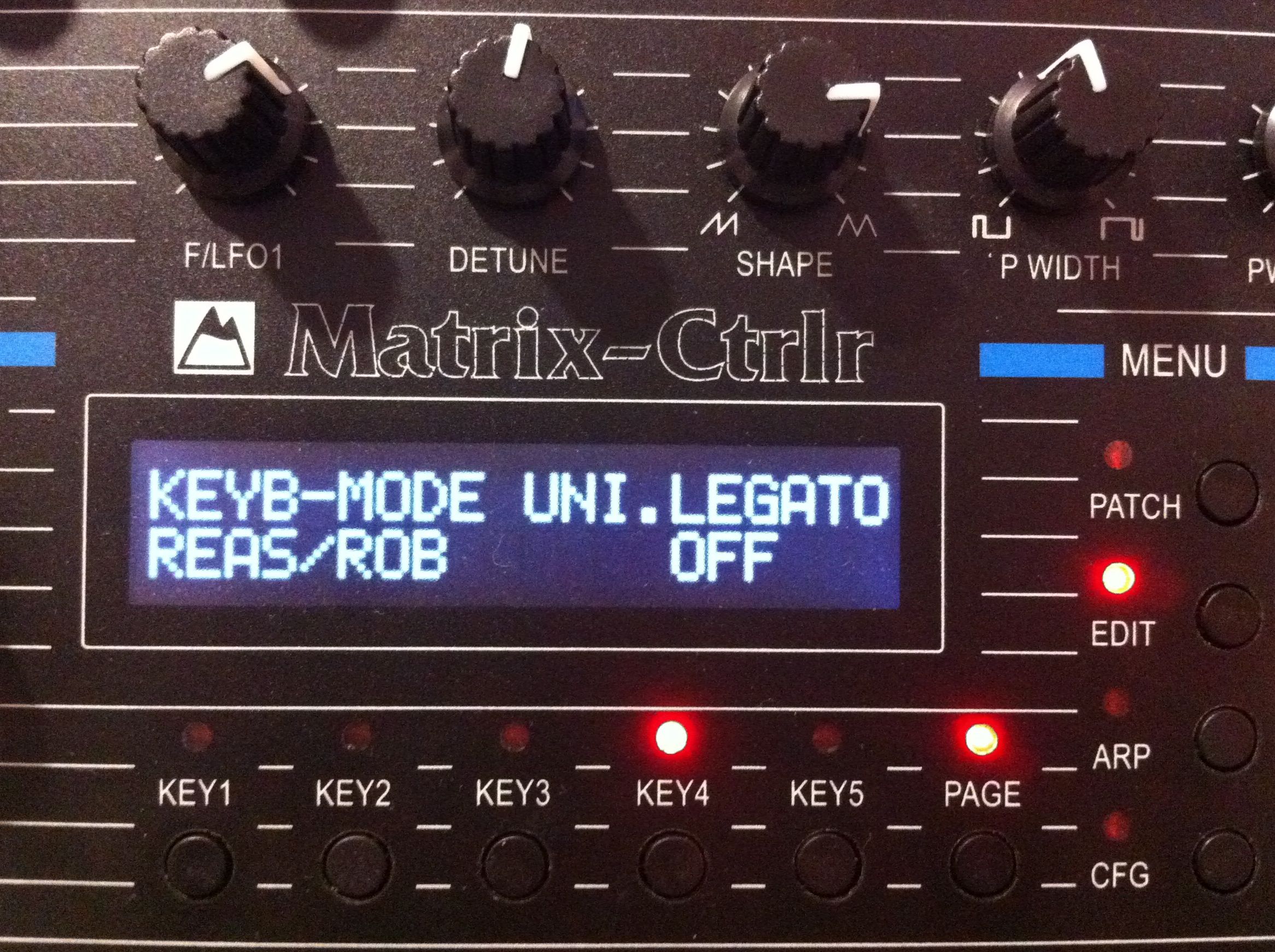
Page 2 : keyboard behavior
- KEY1 : keyboard note mode assignation
- KEY4 : unison
press KEY to set value
MODULATION MATRIX :
Page 1 : the Matrix !!
simply select the parameter using KEYS and edit the value within the encoder
- KEY1 : slot (there are 10 available)
- KEY2 : the SOURCE
- KEY3 : the DESTINATION
- KEY5 : the AMOUNT

Page 2 : RAMPS parameters
- KEY1 : select RAMP to edit
- KEY2 : set RAMP speed
- KEY3 : ramp trigger mode
- KEY5 : ramp input trigger
use encoder to set value

Page 3 : 5 segments tracking ramps parameters
use the KEYS to select the segment, then edit with the encoder

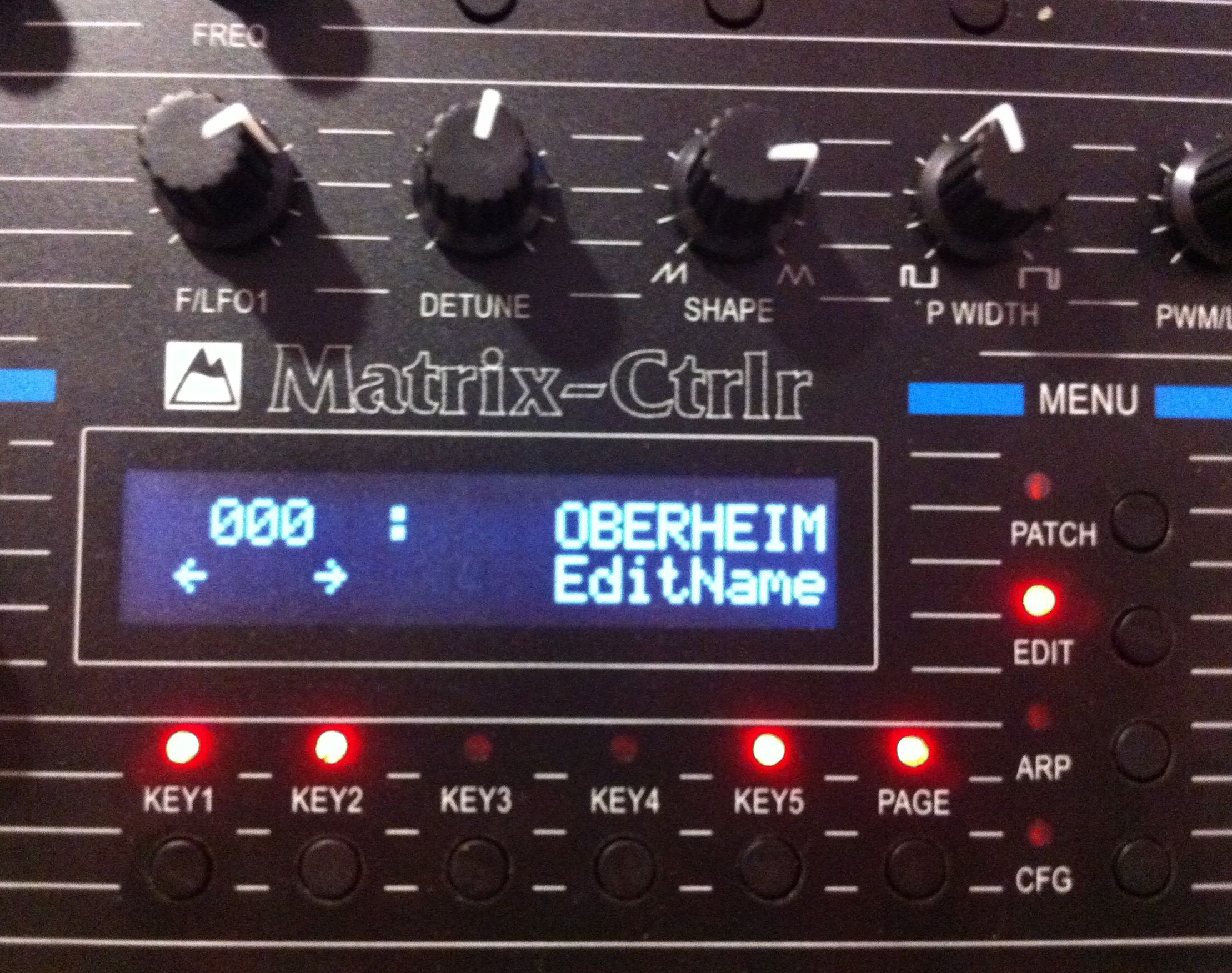
EDITING NAME of a tone
A tone can have a 8 characters name. Use the encoder to set the characters. You can press the encoder to edit the following character or the arrows on the display.
NOTA : Notice the name isn’t saved into memory : you have to return to PATCH main page and press SAV.
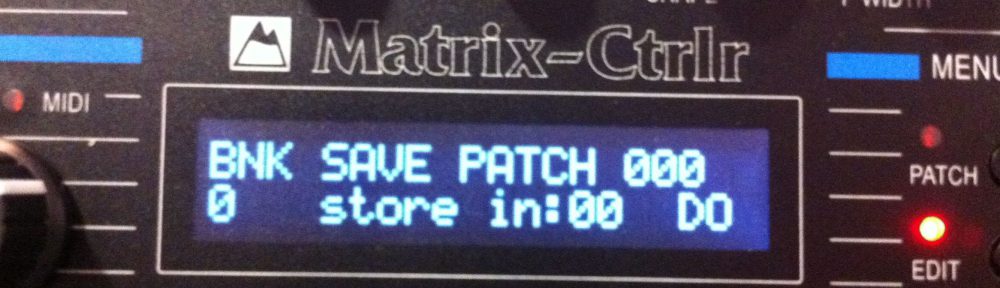
SAVING A TONE INTO OBERHEIM MATRIX MEMORY (200 slots)
useless since the Matrix Ctrlr can contain 1000 tones in its memory
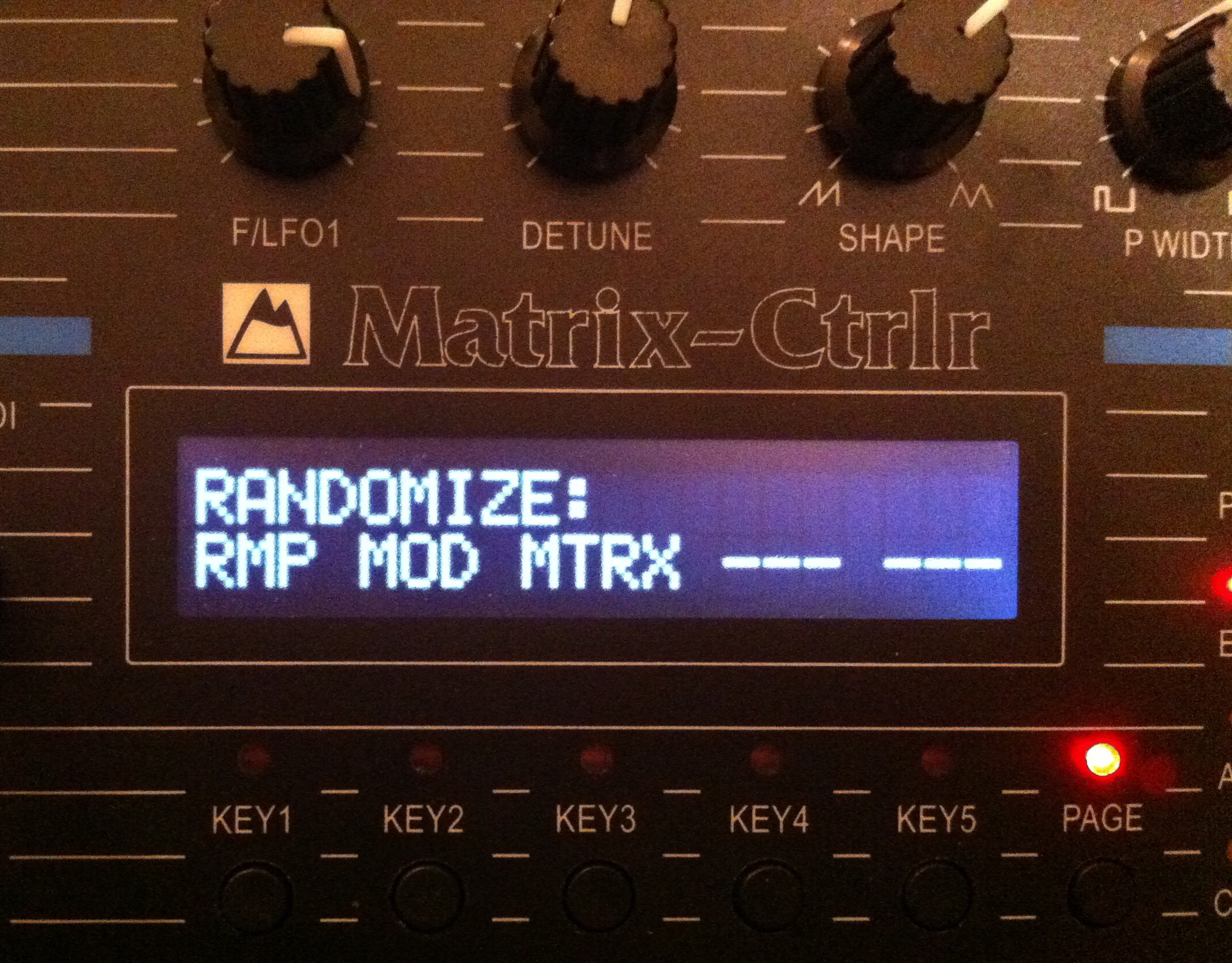
PARAMETERS RANDOMIZER
Press key under to set a randomized value (experimental feature).
There are two pages of parameters to randomize.