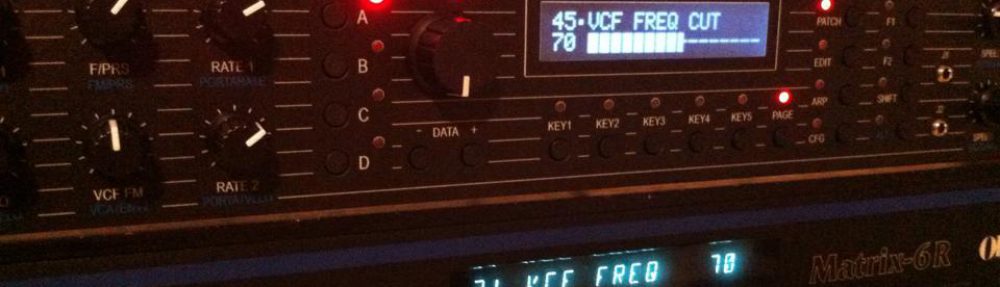

The general behavior of the Matrix Ctrlr to Midi Messages and Midi Commands is set up in the CFG Menu :
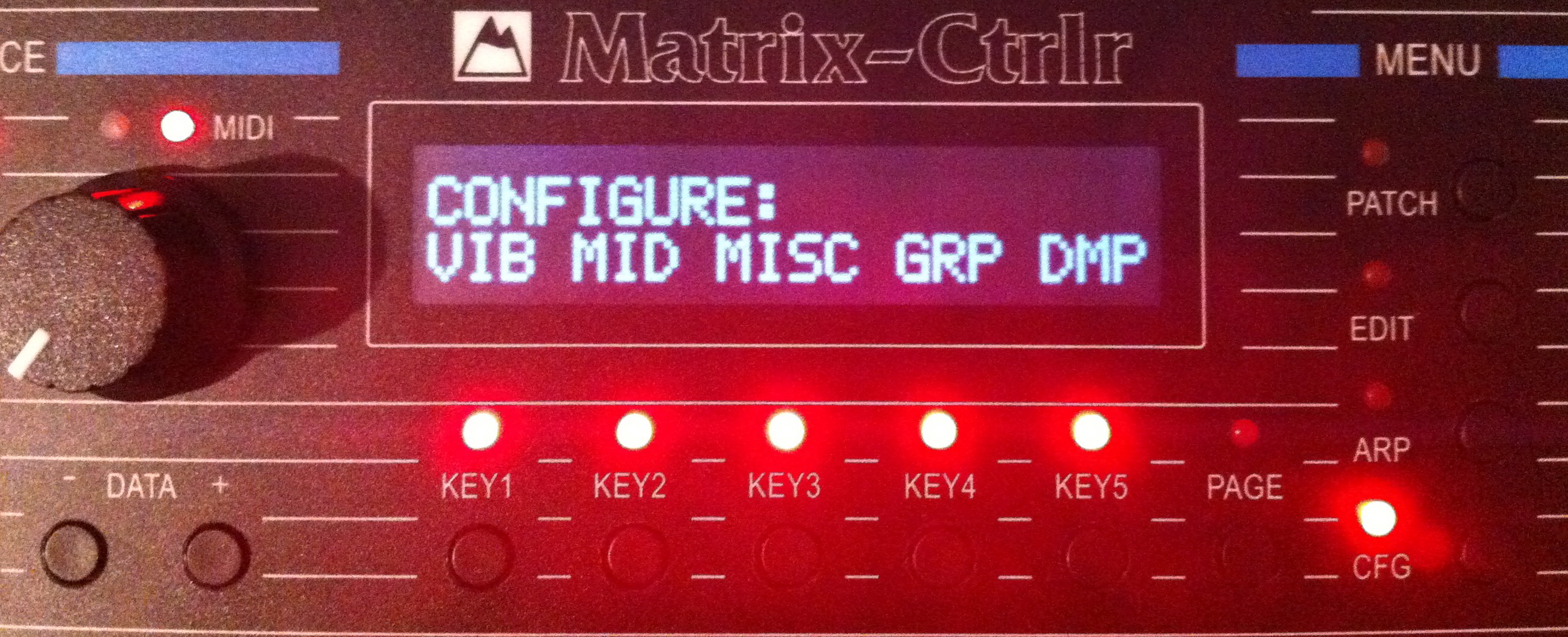
- VIB : Vibrato parameters, an additional oscillator like DCO and LFO
- MID : Midi setup
- MISC : Ctrlr specific parameters
- GRP : Group Mode configuration
- DMP : Dump features
Press the KEY below each item to access in.
VIBRATO Page
The vibrato is a LFO controlled by midi message control change 1 by default. It does affect on various parameters of the Matrix Patch, allowing a modification in real time of the tone, improving expressiveness of the Matrix. The vibrato is common to any patches played by the Matrix synth.
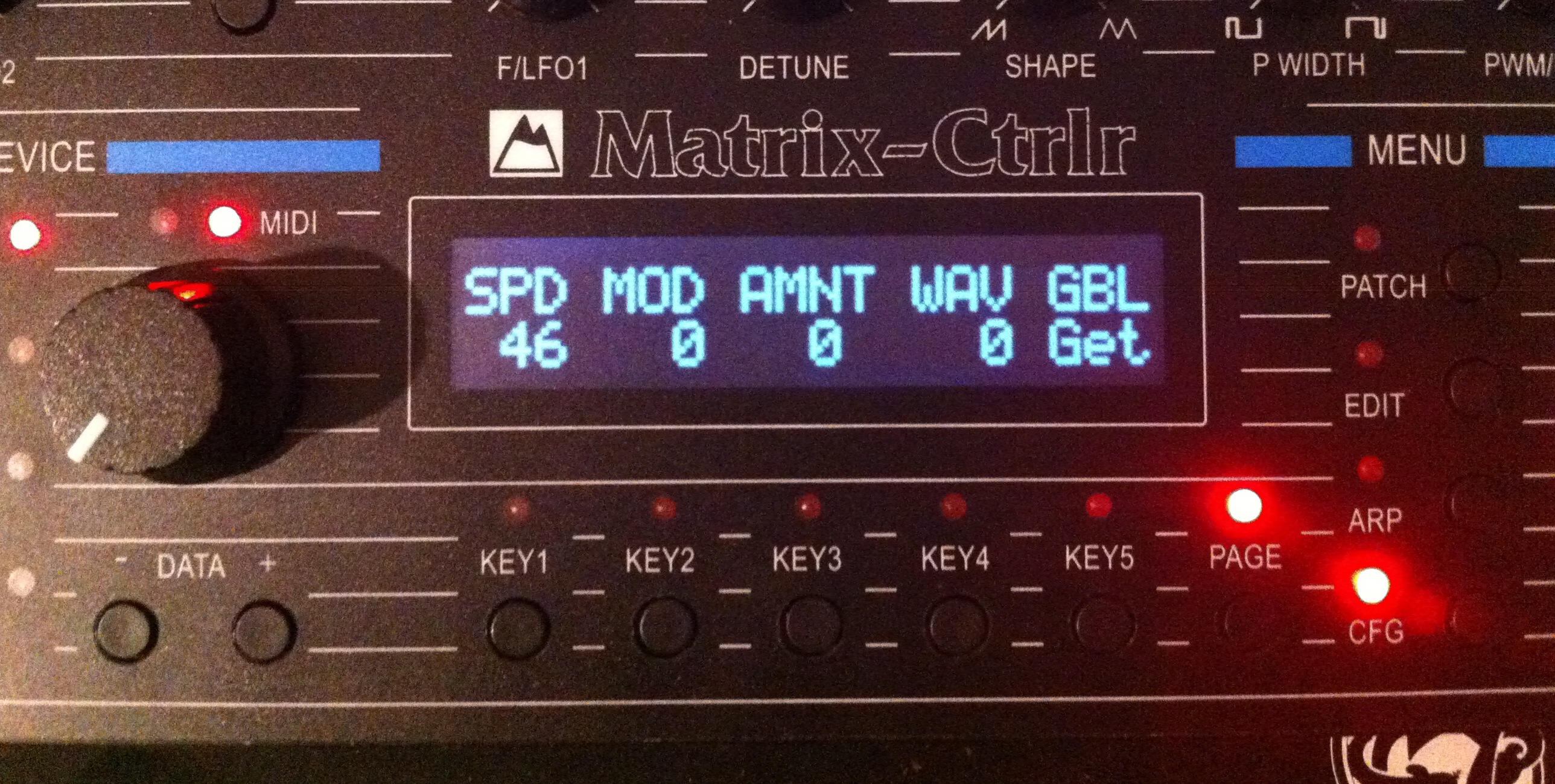
- VIB Page 1 :
- SPD : vibrato speed (0-63)
- MOD : vibrato speed modulation source (Off, Lever2, Pedal1)
- AMNT : vibrato speed modulation amount (0-63)
- WAV : vibrato waveform (Triangle, UpSaw, DownSaw, Square, Noise)
- GBL : Global parameters. Press KEY5 to ask the Matrix its Global Parameters Data sysex.
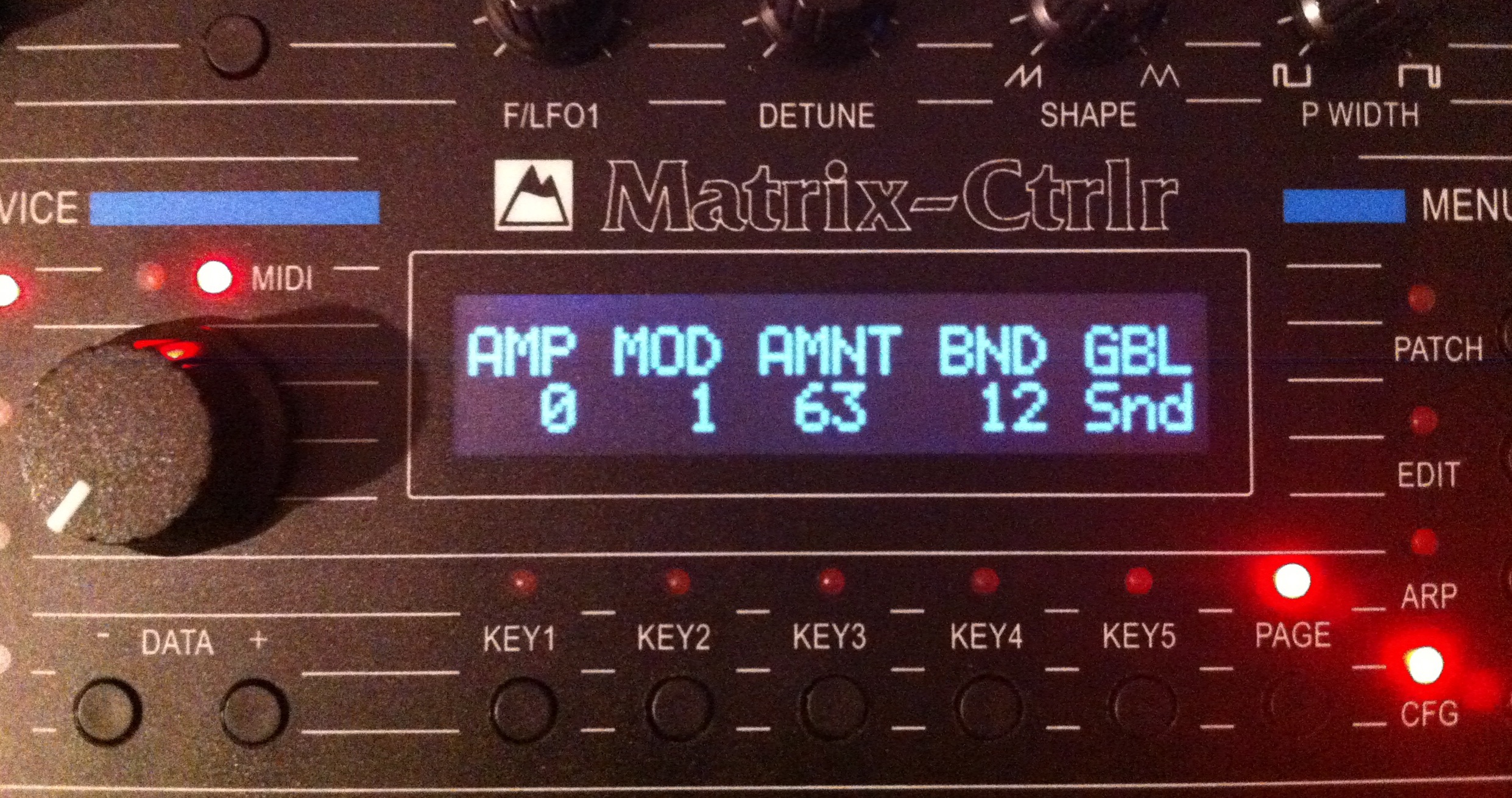
- VIB Page 2 :
- AMP : vibrato amplitude (0-63)
- MOD : vibrato amplitude modulation source (Off, Lever2, Pedal1)
- AMNT : vibrato amplitude modulation amount (0-63)
- BND : Bend range (0 – 24 semitones).
- GBL : Press KEY5 to send the edited Global Parameters Data to your Matrix. The Global Parameters Data is then keep in Ctrlr memory and is recalled at each power cycle.
MIDI Page
These 3 pages setup the way the Matrix Ctrlr will manage the midi informations in regard to the synth connected to.
Page 1 configures the default Midi Channel CH the Ctrlr is responsive to. It is also possible to define which type of Matrix synth is connected to the 4 Midi outputs (Devices).
The default midi channel is setup by pressing KEY1, turn the encoder, press KEY1 again to save value. That does specify midi channel for the Device A. The midi channel of the 3 following devices is inherited of this value :
- The default midi channel is for Device A,
- Device B is considered as default midi channel + 1,
- Device C is considered as default midi channel + 2,
- Device D is considered as default midi channel + 3.
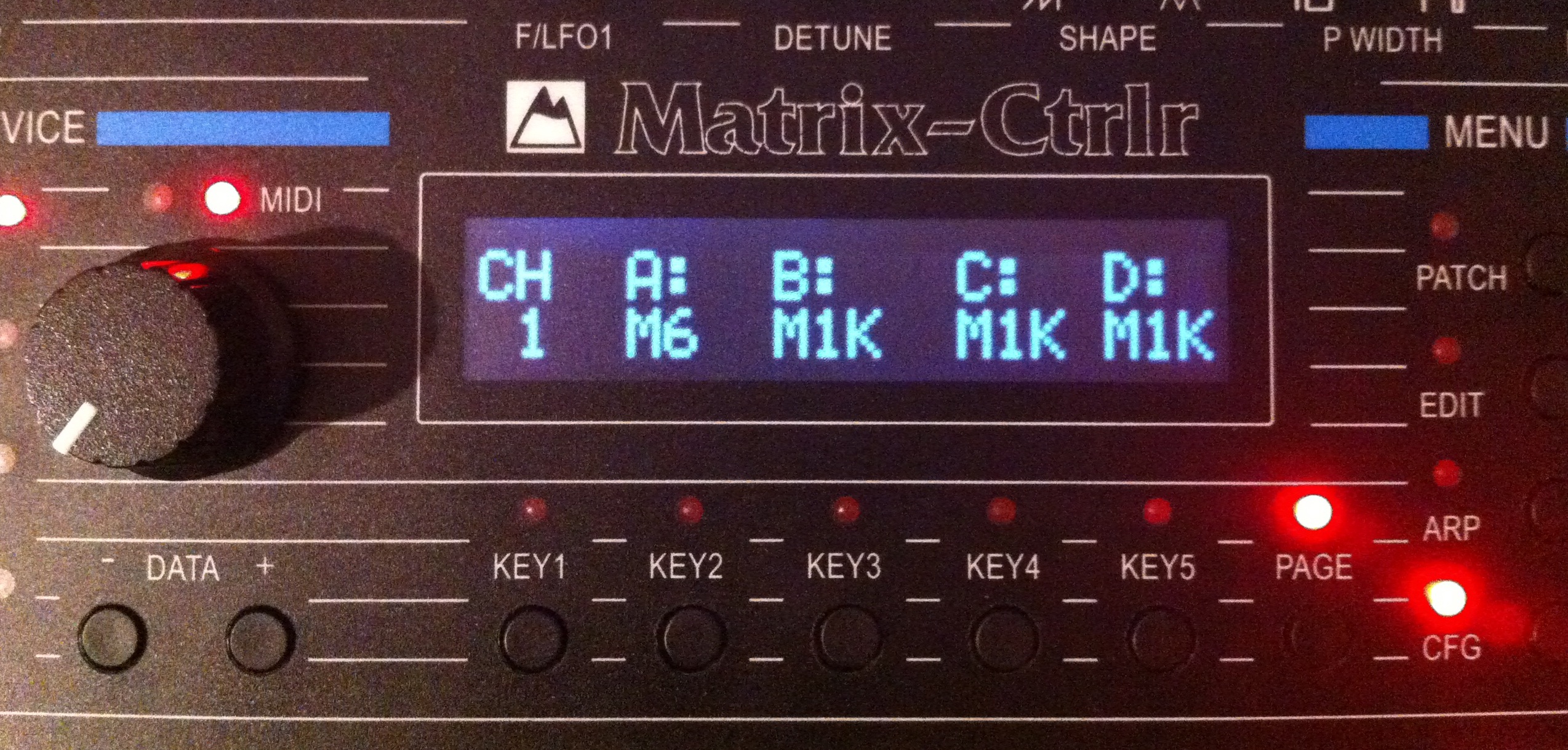
Example : with the default midi channel set to 1, midi notes from channel 1 are routed on MIDI OUT A, while midi notes channel 2 are routed on MIDI OUT B and midi notes channel 3 are routed on MIDI OUT C.
Moreover the Matrix Ctrlr has a complex internal midi router to dispatch the received midi messages on Core Midi Input messages to their right destinations. It does only dispatch useful messages to enlighten midi traffic, avoiding to overcharge the Matrix synths CPU with useless informations. Midi Clock is completely filtered for example.
You can specify which type of Matrix Device is connected to A, B, C & D by pressing KEY2 to KEY5 : M6 stands for Matrix6/6R while M1K stands for Matrix 1000. Values are automatically saved into the CPU memory of the Matrix Ctrlr and recalled on boot.
Despite having the same tonal architecture, those two synths are not exactly responsive to the same midi messages. The Ctrlr takes this into account and send different messages for the same behavior of the synth, whatever typ it is.
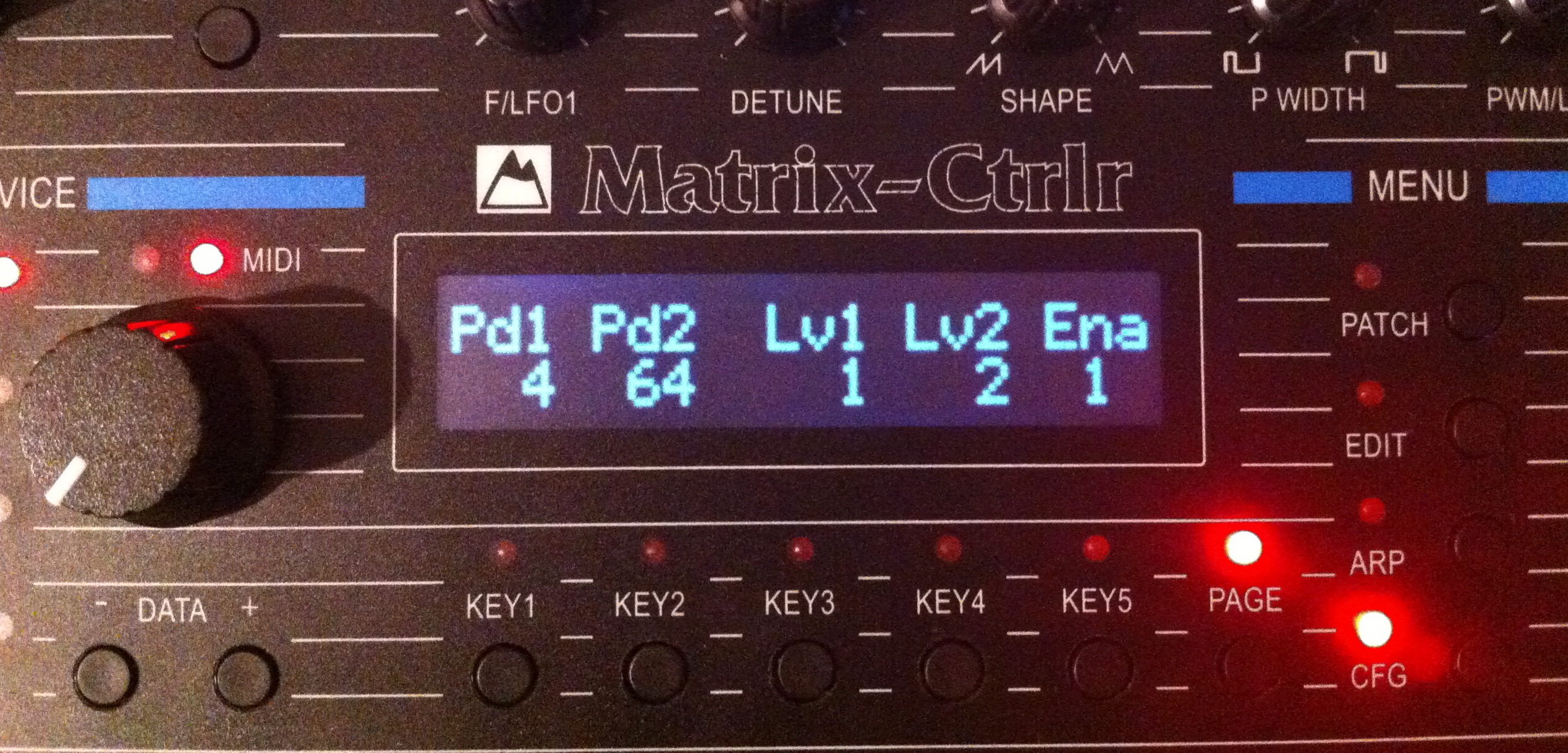
The Midi page 2 setup the different number controllers the Matrix can respond to.
- Pd1 : Midi Pedal1 controller.
- Pd2 : Midi Pedal2 controller.
- Lv1 : Midi Lever1 controller.
- Lv2 : Midi Lever1 controller.
- Ena : Midi controllers Enable * (or not . ) defined above.
This information is transmitted through the Global Parameters Data to Matrix 1000 only.
On page 3 you can set an experimental midi patch bay for midi messages of Core Input :
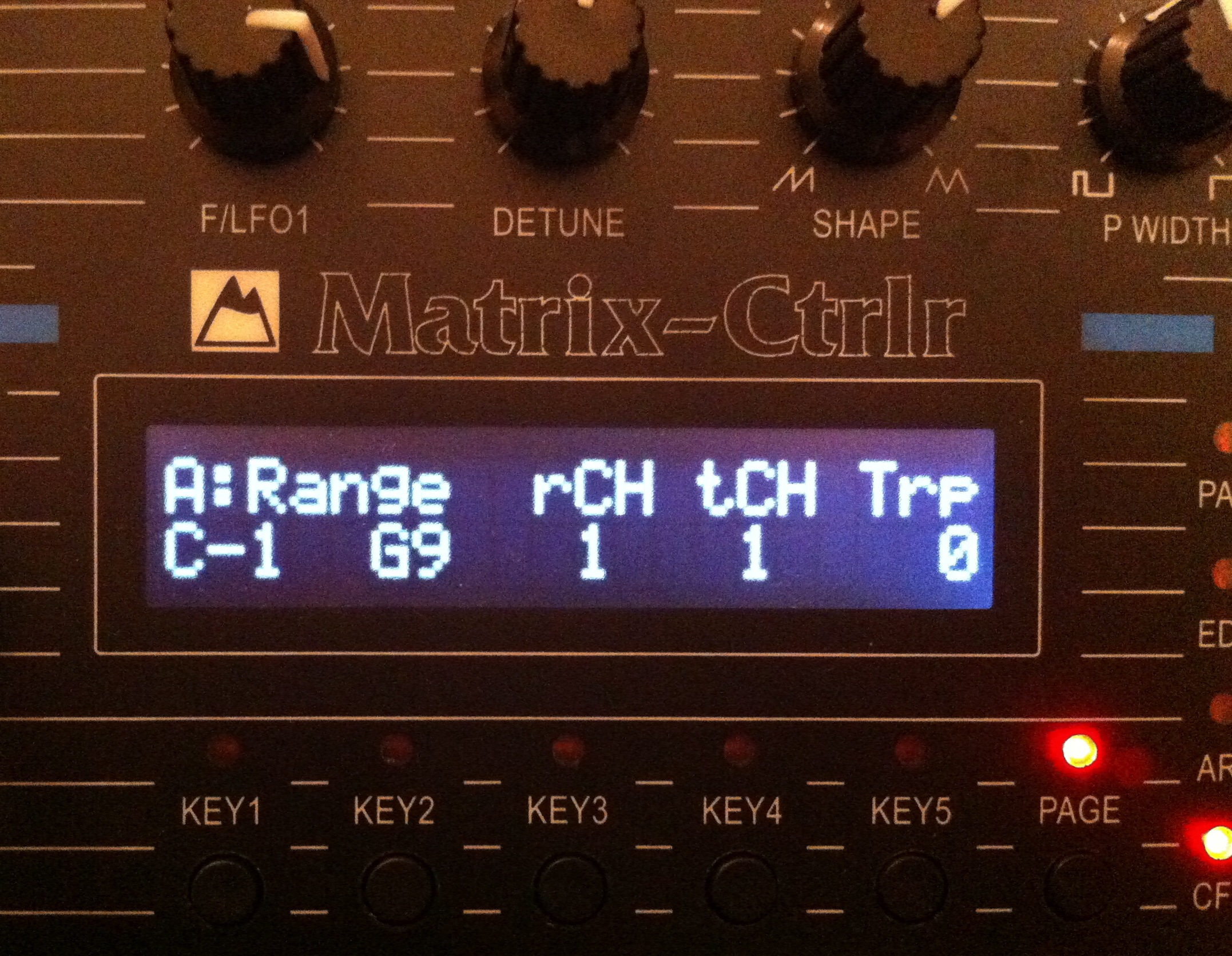
There are 4 slots : A, B, C & D. Each slot manages Note On/Off messages only. Change the slot with -/+ KEYS.
The Range sets the range of recognized pitch, from C-1 to G9.
rCH is the receipt midi channel while tCH is the transmitted midi channel. Trp is the transposition of the received pitch into the transmitted pitch.
Each item can be edited by selecting the KEY below and moving the encoder.
A single Midi Master 88 notes Keyboard can be adapted to 4 channels in order to control 4 Devices in this way.
MISC Page
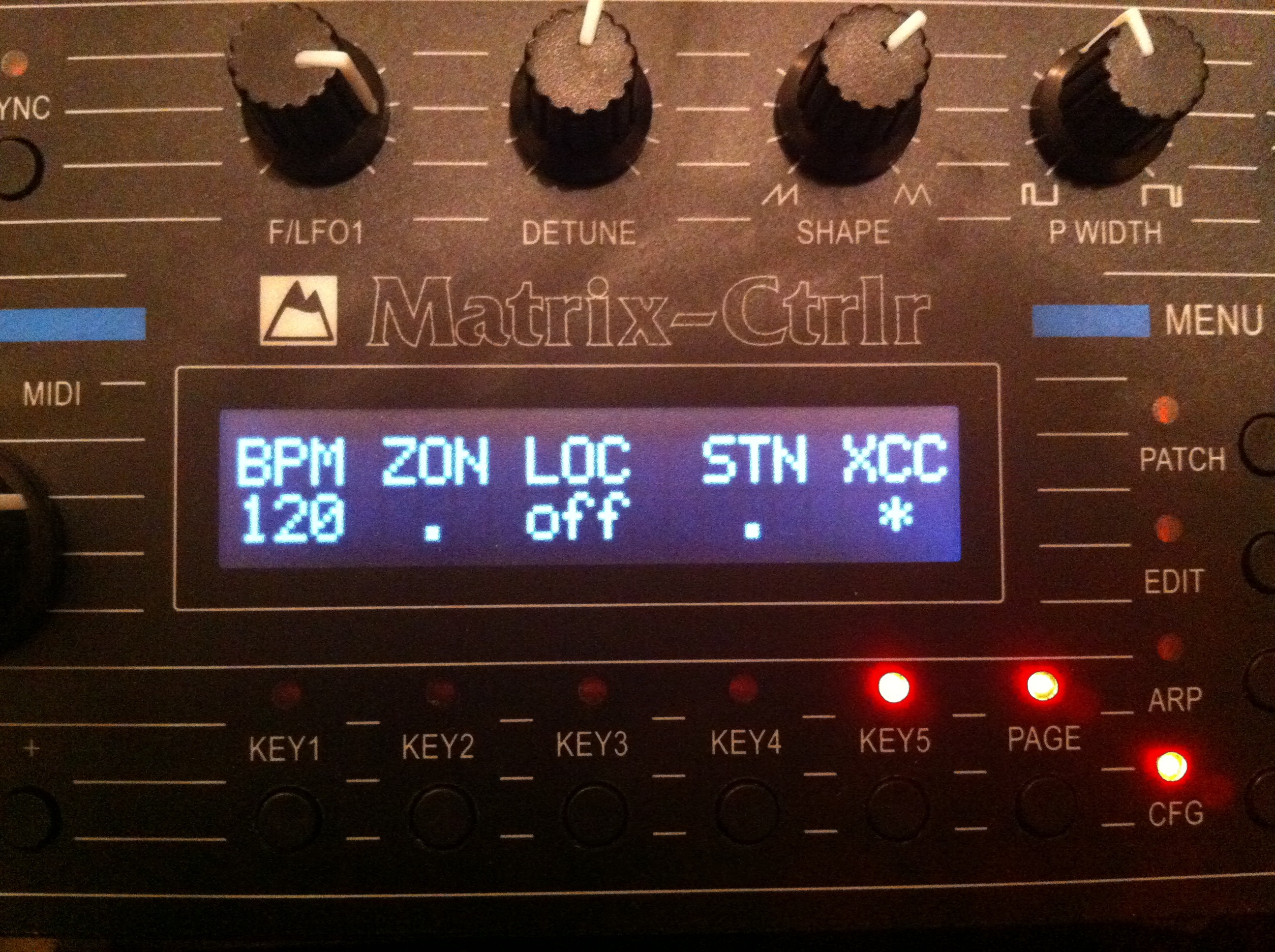
Specific parameters of the Ctrlr :
- BPM : specify the tempo used by the Ctrlr
- ZON : enable the midi patch bay feature
- LOC : local control On/Off of the Matrix Ctrlr
- STN : Filter Env Sustain Hack ON/OFF (faulty Matrix 1000 1.11 firmware)
- JTR : potentiometers ADC jitter correction (latest firmwares). A low value if very noisy
- XCC : activate or deactivate the Midi Control change/Sysex Messages Translator
Note on BPM :
- a number : the Arp and Seq use the internal tempo generator (20-230 bpm).
- Mid : the Arp and Seq are driven by an external midi clock source on Core Midi In.
- s24 : the Arp and Seq are driven by an external pulse (typically +5VDC 1ms but can be more) clock source SYNC24 on Jack J1.
- Trg : the Arp and Seq are triggered by an external trigger pulse (typically +5VDC 1ms but can be more) on Jack J2.
- mTg : the Arp and Seq are triggered by an external Midi Note 37 (General Midi Rimshot) on Core Midi In or Midi In A.
The Matrix 6/6R and 1000 synths are only responsive to SysEx Messages, which are heavy and complicated messages to manage in a DAW (or simply not supported like in Ableton Live).
In order to be a modern device, the Matrix Ctrlr automatically translates SysEx into Control Change messages in order to edit them easily through an external midi recorder. Each time you change one of the 96 parameters of the patch, the Ctrlr automatically generates the corresponding SysEx destined to the corresponding Matrix device ; but it also generates a Control Change message with the corresponding midi channel according to this chart on its Midi Core Out in order to record modulations with an external midi recorder (or a computer).
Those modulations can be played back later, the Ctrlr translating the other way Control change Messages into SysEx. The modulations of the potentiometers or the encoder inside EDIT menu can be saved and played back easily this way. This feature is a great improvement of the real time expressiveness of the Matrix Synths.
Hidden Page : SHIFT + PAGE
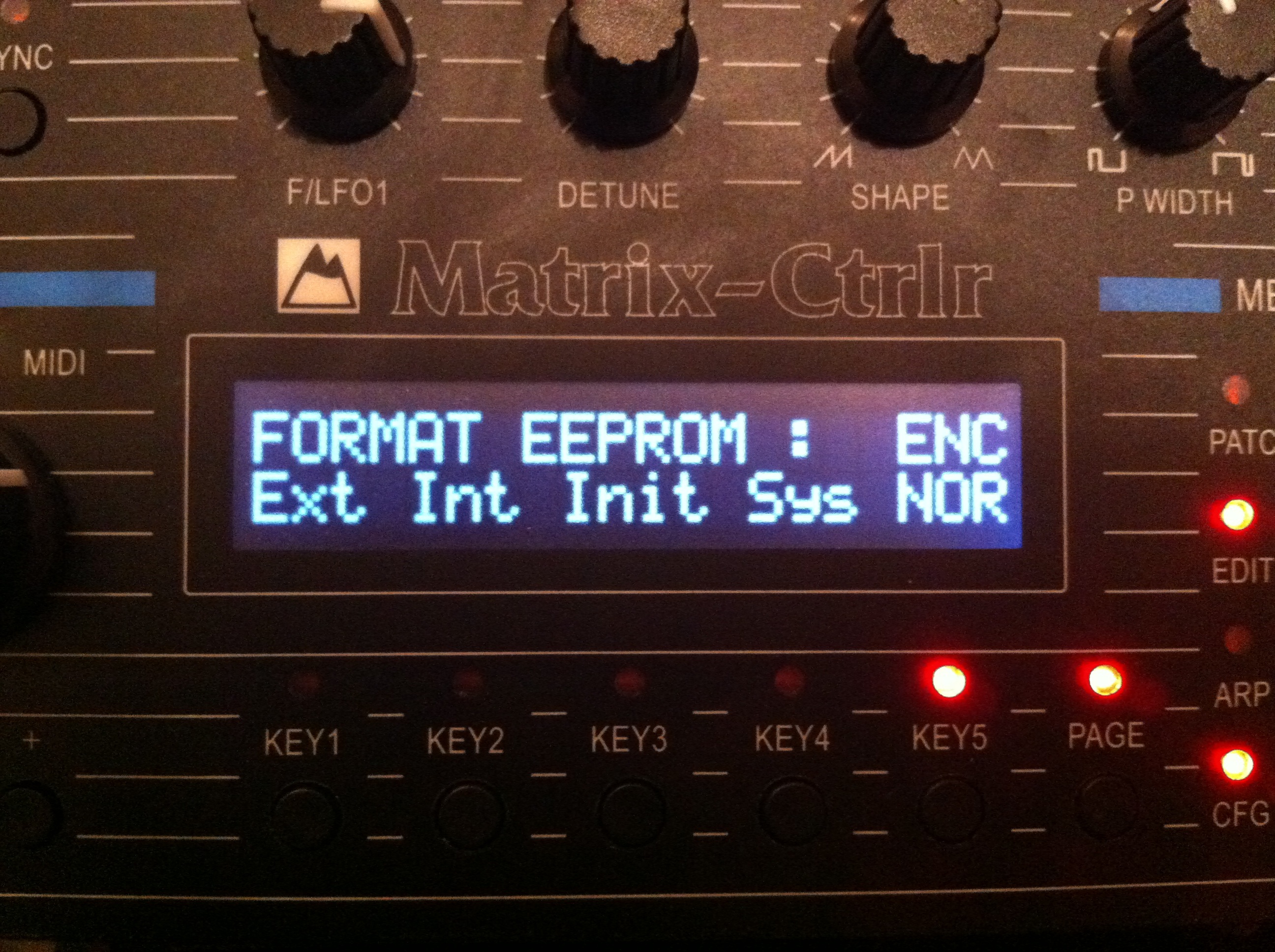
This hidden menu of the MISC section does format the Internal and external EEPROM of the Ctrlr.
- KEY1 : FORMAT EXTernal EEPROM set all 24LC512 with 0xff (blank eeprom).
- KEY2 : FORMAT INTernal EEPROM of arduino with 0xff (blank arduino).
- KEY3 : FORMAT Init EEPROM set all the 999 patches with the default “OBERHEIM” tone parameters.
- KEY4 : FORMAT System EEPROM with default parameters (default system & default master parameters).
- KEY5 : set encoder behavior (normal/inverted).
GROUP Page
- not yet implemented
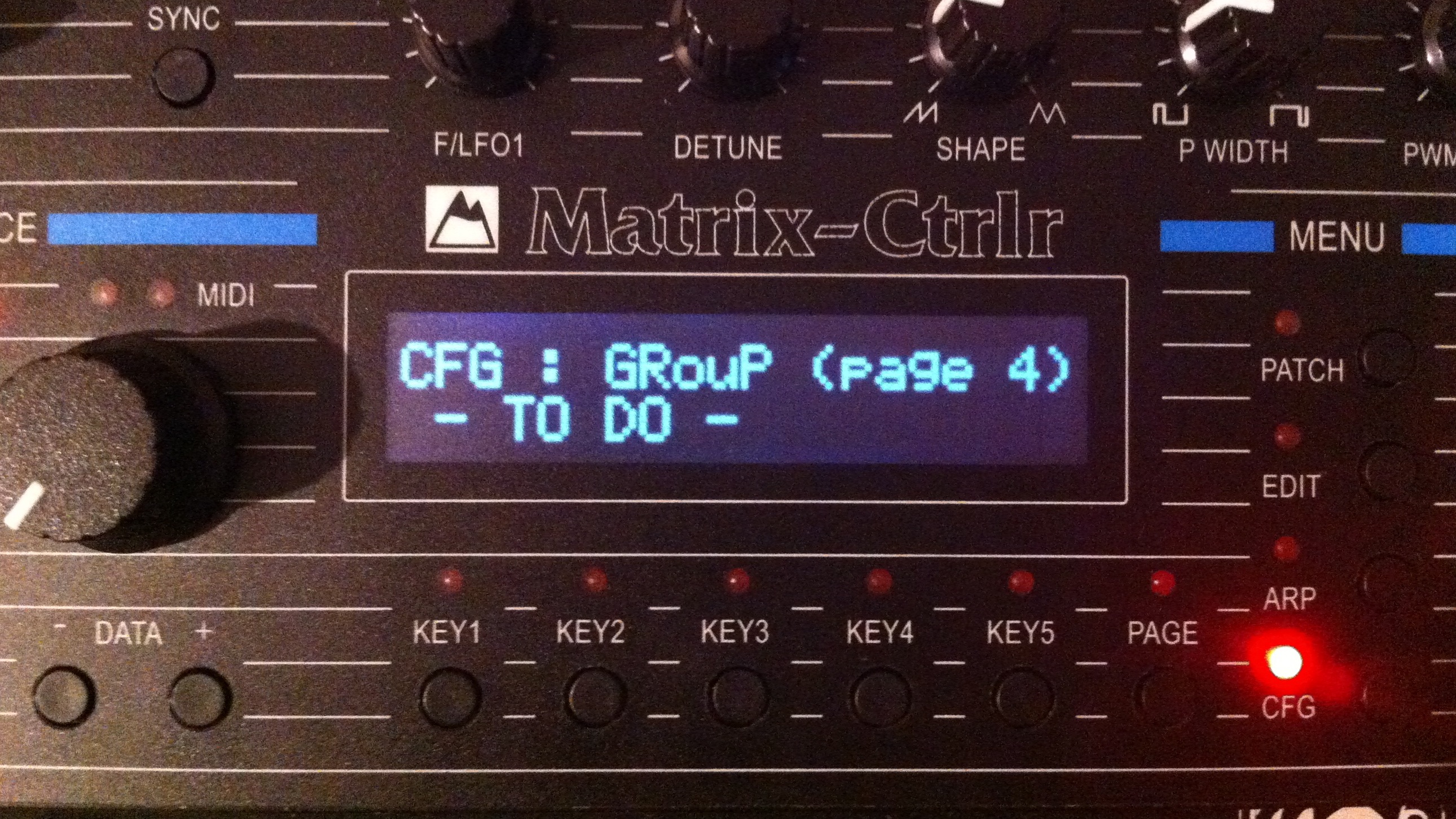
The Matrix synths can be grouped into groups in order to extend the polyphony or the behavior in order to sound like guitar rather piano.
DUMP Page
Used to save SysEx Midi messages of the different Banks of Patches, Arpeggios, Sequences and Global Parameters contained in the Ctrlr internal memory. Messages are outputted to Core Midi Out and to selected device Midi Out if necessary.
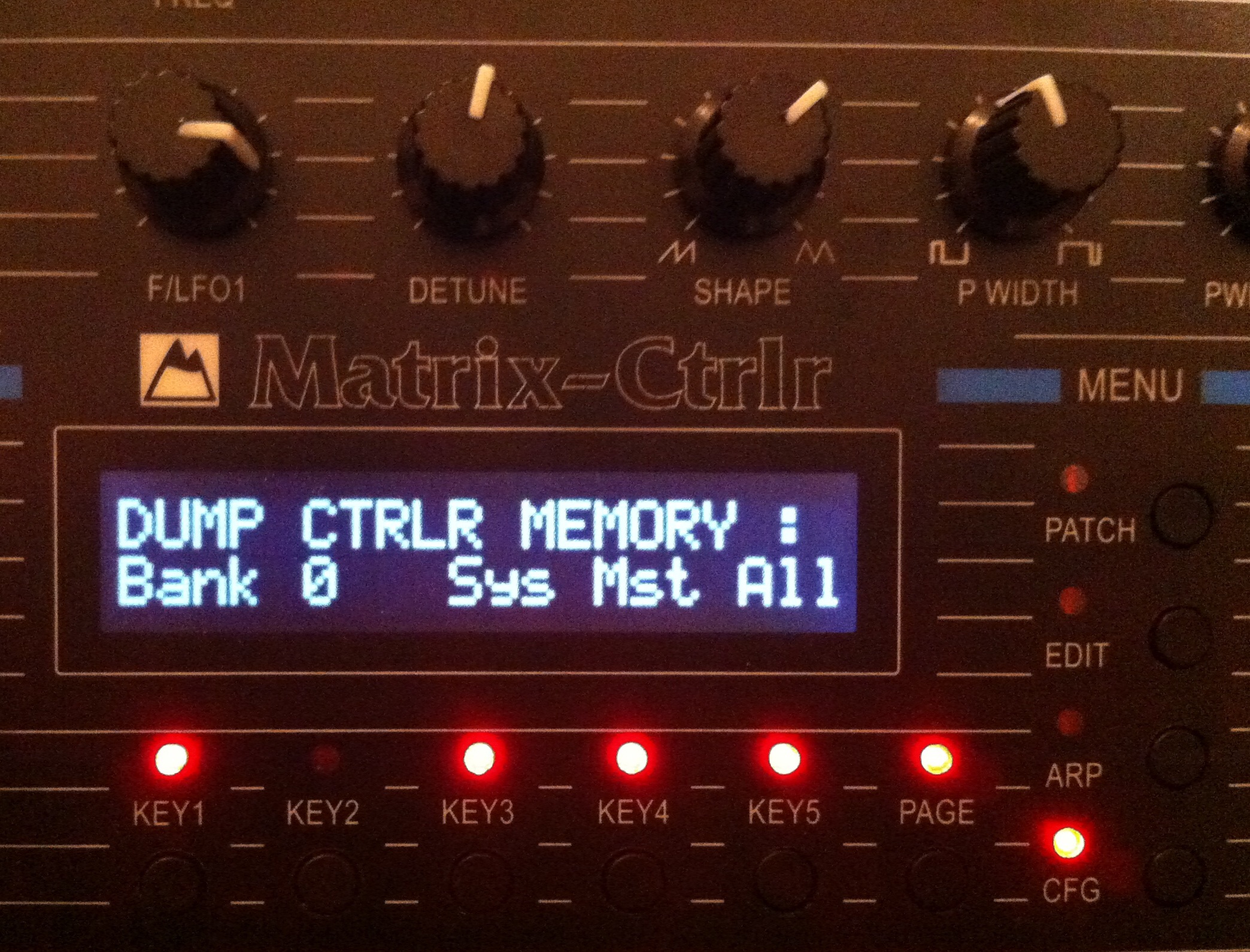
Save a BANK : press KEY2, turn the encoder, press KEY1. Dump 100 SysEx messages corresponding to the 100 patches of the specified Bank. 275 Bytes
Save the SYSTEM configuration : press KEY3. Dump a 32 bytes SysEx message only compatible with Alpes Machines Matrix Ctrlr devices.
Save the GLOBAL Parameters : press KEY4. Dump a 351 bytes SysEx message only compatible with Matrix 1000 and a 32 bytes SysEx message only compatible with Matrix Ctrlr units. (Matrix 6 Global size is 479 bytes, too much for the arduino available memory)
Save ALL the memory of the Ctrlr : press KEY5. Generates 3012 SysEx messages. From each memory location are saved : the Patch (1000), the Unison Detune Parameter (1000), the Sequence & Arpeggiator parameters (1000). At the very end is generated the Global Parameters Data (1) and the System Configuration (1). [+ 10 BankChange sysex messages]